Support for eserp 1.5 has been discontinued as of 01.01.2024, the online help will no longer be updated
 eForm builder
The contents and information to be recorded in a digital electronic form (eForm) are defined in es eForm.
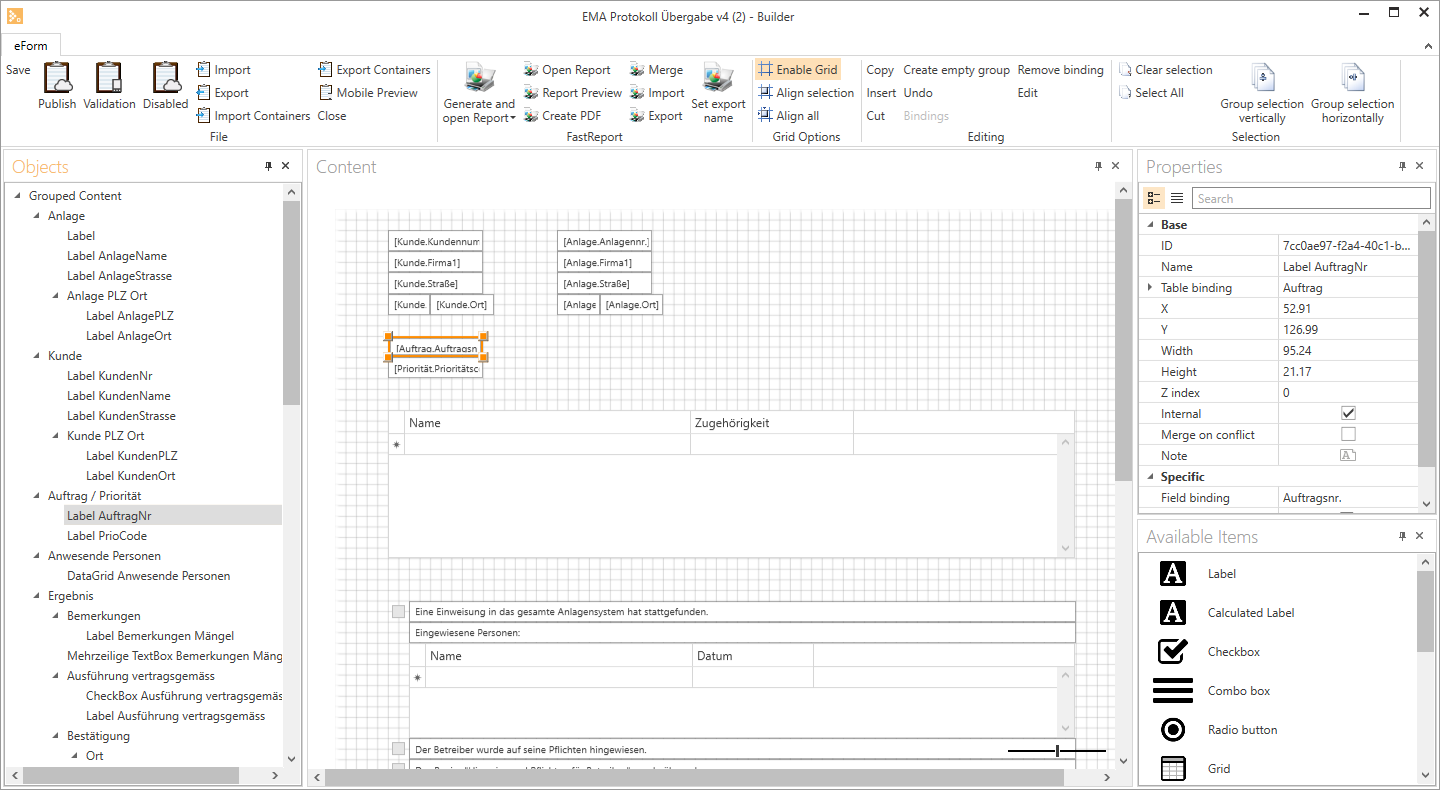
The individual fields are positioned on the layout area.
The menu bar contains various functions, such as Save or Preview, and you can also open the FastReport that is linked to the eForm.
When you open the Tools | eForms menu command a list of form templates that have already been created is shown.

To edit an eForm template, double click on an entry in the list. The corresponding eForm will open in the es eForm builder.